A tutoring business grows when people clearly understand what you offer, clear value, visible presence, and reliable delivery. When they see you, you must deliver something unique enough to remember your name.
At some point, every tutor hits that strange moment where they look around and think, “Okay… where are my next students supposed to come from now?” It happens quietly. One week, your schedule feels packed, and the week after, you’re checking your inbox a little too often, hoping something shows up.
I’ve watched this pattern repeat for new tutors, experienced tutors, and even niche subject specialists. It’s not a failure; it’s simply part of running a service where demand rises and dips. The good news is that momentum returns the moment you tighten a few habits and put your work in front of people who are already searching for help.
This guide puts those steps in a simple order so you don’t feel lost. Think of it as a small map: clear, practical moves that slowly connect, more trust, and eventually more bookings.
Just Getting Started as a Tutor?
If you’re still building your tutoring career, start with the fundamentals. Before focusing on finding tutoring clients, it’s important to choose your subject and niche, understand your target students, set your pricing, build credibility and create a professional tutoring presence.
Read our complete guide on How to Become a Tutor & Build Your Own Online Tutoring Website to learn how to get started and build a strong foundation for your tutoring business.
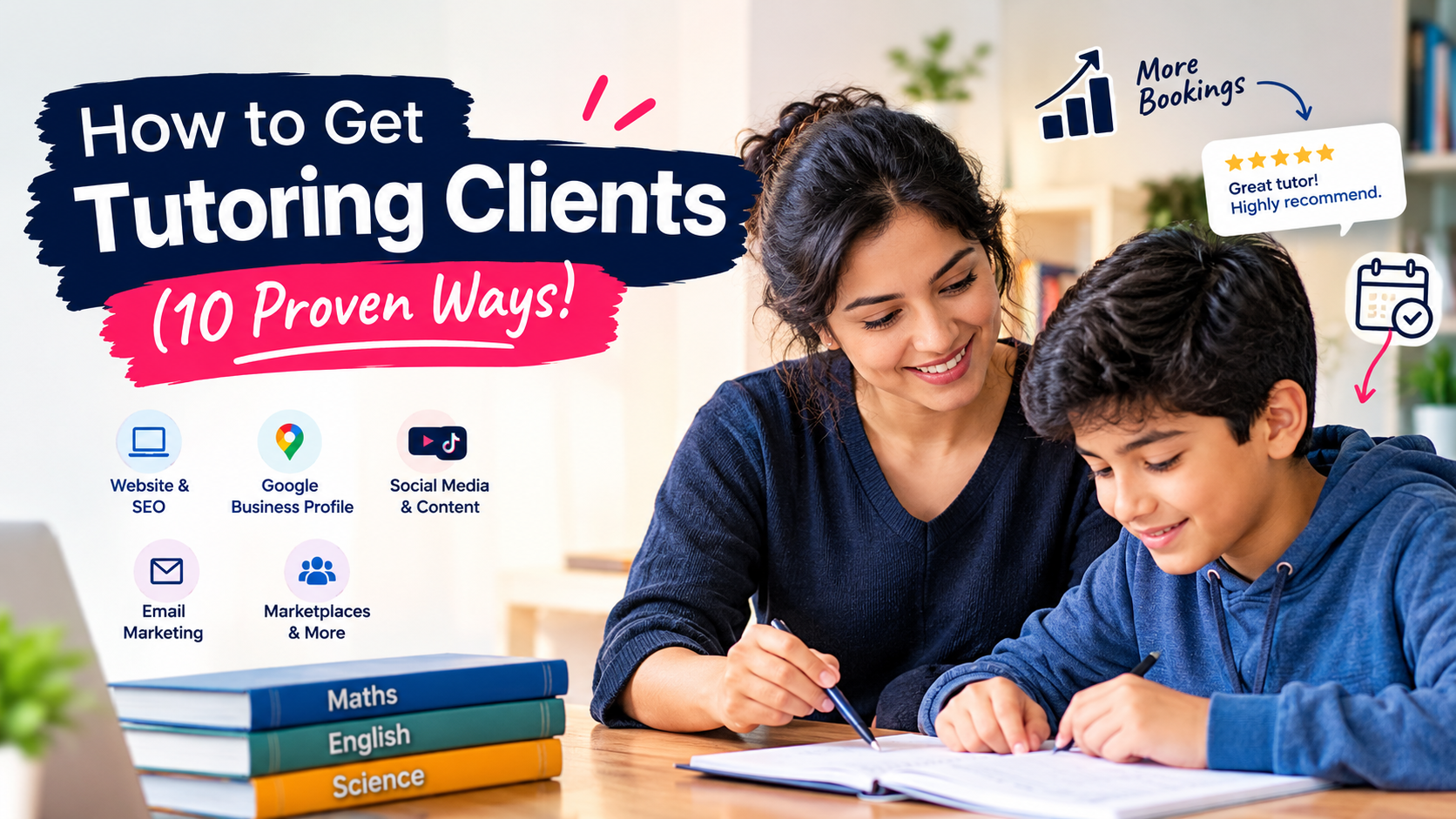
Quick List: 10 Effective Ways to How to Get Tutoring Clients (At a Glance)
Below are ten quick action plans that help you get clients within a few days.
1) Build a strong tutor profile and niche
2) Set up a simple website or landing page
3) Create a Google Business Profile
4) Promote yourself on social media (Reels/TikTok)
5) Ask for referrals from existing clients
6) Join tutoring marketplaces
7) Offer a free trial or demo session
8) Collect reviews and testimonials
9) Use email marketing for parents & students
10) Use scheduling & classroom software to stay professional
1. How Do You Build a Tutor Profile That Attracts Clients Fast?
A tutor profile is a short page or card that explains who you are, what you teach, and the results you deliver. A strong profile reduces doubt, speeds up bookings, and improves click-throughs on marketplaces and your website.
What is a high-impact headline?
Write one clear phrase: subject, level, and main result in 8–12 words.
Write a headline like: “ A level Algebra tutor- raise test scores two grades in 12 weeks.” Use exact subject names (Algebra I, SAT Math). Place the headline at the top of the profile for instant clarity.
What must a tutor’s profile include?
A tutor profile must include name, headline, 3 credentials, target age, core outcome, contact link.
List credentials such as BSc Mathematics, 5 years of tutoring, and Certified Tutor (CTC). State the age range (ages 13–18) and a measurable outcome.
The six key elements that a tutor profile must include
Headline; credentials; value statement; lesson format; pricing; call to action.
Use a short table to keep the structure clear.
| Element | Why it matters | Example |
| Headline | Grabs attention quickly | GCSE Physics tutor — boost exam score 20% |
| Credentials | Builds trust | BSc Physics; 4 years; DBS checked” |
| Value statement | Shows result | One-to-one lessons; weekly practice tests |
| Lesson format | Sets expectations | 50-minute online sessions via Zoom |
| Pricing | Removes friction | Single £35 / Pack 10 £320 |
| Call to action | Drives booking | Book a free 20-minute demo – Calendly link |
2. Create a Tutor Website That Converts Visitors Into Bookings
A tutor website turns a visitor into a lead by answering one question: “Can this person help my child?” A single-page site often beats cluttered pages for conversion.
At Marketish, we design professional websites for tutors that clearly showcase your expertise, subjects, results, reviews, and teaching approach—so parents can quickly understand your value and take action. From professional design to mobile optimisation and clear booking/WhatsApp calls-to-action, we build your website with one goal in mind: turning visitors into enquiries and bookings.
What should every tutor website include?
Every tutor website must add a headline, three benefits, service list, pricing, social proof, a booking link, contact data block
A tutoring website needs precise language. Put benefits like “weekly progress test,” “homework review,” and “secure payment via Stripe.” Show two parent testimonials with grades improved or percentage gains. This creates trust and credibility.
What is a simple layout and example CTA section?
Hero with headline + 2 CTAs, benefits row, pricing table, testimonials, booking block.
For example: on the left, add a headline and two buttons (Book free demo, See pricing), and on the right, add a tutor photo. Add a CTA text like Book 20-min demo – no card needed. Keep buttons above the fold.
Where to place the booking link?
Place a primary booking link in the top right and a secondary link after pricing and after testimonials.
Use Calendly or Microsoft Bookings integrated with Stripe. Add an on-page anchor and link all CTAs to it. Confirm booking sends a calendar invite and invoice automatically.
Planning to Take Your Tutoring Business Online?
If you’re moving from occasional tutoring to building a proper online tutoring business, there are a few important decisions to make first — from choosing your niche and setting your prices to selecting the right tools, payment methods and online teaching setup.
Our guide How to Start an Online Tutoring Business: Step-by-Step Guide for Beginners walks you through the process step by step.
3. Create a Google Business Profile to Get Clients?
A Google Business Profile gives local visibility and a map pin. It drives organic calls and website clicks for parents searching “tutor near me” or “math tutor [city].”
Does a Business Profile increase local leads?
Yes – verified profiles show in local pack and drive calls, directions, and website visits.
Local searches such as “math tutor near Dhaka” often display three local listings. Profiles with photos and reviews get higher click rates.
Step-by-step setup for local visibility
Create a profile, verify by postcard or phone, add hours, add services, link website, and request reviews.
Set service names to exact phrases: “GCSE Maths Tutoring,” “Online SAT Math.” Verify NAP (Name, Address, Phone) to match your website and directory listings.
What photo, review, and NAP practices matter?
Upload 5+ photos, collect 10+ recent reviews, and keep Name/Address/Phone identical across sites.
Photos: headshot, lesson screenshot, workspace, sample worksheet, certificate image. Reviews: ask parents after four paid sessions. Use the same phone number.
4. Marketing Strategies That Actually Work for Tutors
Marketing for tutors means choosing channels that bring parent and student interest, then convert that interest into trial lessons and paid bookings. Good marketing uses repeatable content, direct outreach, and platforms that match your subject and level.
Which social media formats attract students fastest?
Short teaching clips (30–60 seconds) with one clear takeaway perform best.
Post three focused clips per week. Each clip should show a single concept, a visible result, and a call to action. Use captions that state the skill and the target level, for example “Solve linear equations-age 14–16.” Track views, saves, and click-throughs. Aim for a 5–8% engagement rate on Reels or similar short formats.
Create better tutoring content: Use Canva to design worksheets, social posts and educational carousels without needing professional design skills.
Instagram reel ideas
For Instagram, one skill, one mistake, one test tip in 30–45 seconds.
Film a short problem, show the common error, then demonstrate the correct method. Add on-screen steps and a final CTA: “Book a free demo.” Use real examples: past-year exam questions, common grammar errors, or algebra shortcuts. Post carousels of practice questions to complement reels.
TikTok hooks that attract students
Open with a 3–5 second hook that shows the result or a surprising fact.
Examples: “Stop losing marks on fractions,” “Three-second trick for quadratic roots,” or “How I helped a student gain 15% in four weeks.” Use text overlays and a pinned comment with the booking link. Test three hooks per week and keep top performers.
Content formats that build authority
To build authority, mix short clips, one long tutorial (5–10 minutes), and weekly proof posts (results).
Long tutorials show depth on YouTube or IGTV. Proof posts show screenshots of progress (blur names) and one-line metrics: “Student improved 18% in six lessons.” Use consistent branding: logo, color band, and lesson structure.
5. How Do You Get Referrals Without Feeling Pushy?
Ask for referrals after a measurable improvement and offer a clear, simple incentive.
Request referrals after four paid lessons or after a progress report. Offer a fixed reward: one free 50-minute session or a £10 credit per successful referral. Use a short script and set an expiry for the offer to prompt action.
Referral script – Exact message to send
Short, direct message suitable for email or chat:
- Opening line: “Hi [Parent], your child’s recent test rose from 62% to 78%.”
- Ask: “Could you share one parent who might benefit?”
- Reward: “I’ll give you one free 50-minute lesson for each referred family who books a paid package.”
Send this message within two days of sending the progress report.
Incentives that motivate – Which rewards convert best?
The best reward is to give session credit, a discount on packages, or a free resources pack.
Session credit and package discounts produce higher conversion than cash. Offer a maximum of three referral credits per referrer to control costs.
6. Are Tutoring Marketplaces Worth It?
Yes, for initial lead flow, tutoring marketplaces are worth it. You can expect fixed fees or a commission of 10–30% per booking.
Marketplaces supply steady traffic but also competition. Use marketplaces to build reviews and early bookings. Move repeat clients to your own site or direct booking link to reduce fees.
Marketplace comparison table – Quick guide
Below is a short comparison of three common platforms and their key attributes.
| Platform | Best for | Typical fee | Quick note |
| Preply | Language tutors, flexible hours | 18–33% commission | Good for hourly bookings and trial lessons |
| Wyzant | Academic tutors in US/Canada | 25% initial, lowers with volume | Strong search positioning for test prep |
| Superprof | Global reach, low barrier | Subscription or low commission | Good for private hourly leads and local visibility |
Choose two platforms max. Use exact subject keywords in your profile and upload a 60–90 second video introduction.
How to stand out among other tutors
If you want to stand out among other tutors, optimize your profile, add proof, and show lesson structure clearly.
Tactics that increase booking rate:
- Use a 60–90 second intro video showing teaching style.
- Show three measurable results: exam % gain, grade jump, or completed modules.
- List exact subjects and exam boards.
- Offer a 20–30 minute free trial with a clear next-step CTA.
- Respond within 4 hours to new messages to improve platform ranking.
Marketing choices should guide parents and students toward a free demo and then paid lessons. Focus social content on short teaching clips, ask for referrals after clear progress, and use marketplaces to collect early reviews. These steps increase the flow of tutoring clients and boost confirmed bookings.
7. Free Trials or Demo Sessions to Get Clients and Increase Conversions
A short trial lesson helps people see how you work before they commit. A free demo boosts conversions because families feel safer booking when they’ve already met you.
Subjects like math, English, and science often convert quickly because students notice small improvements right away. A trial removes the guesswork and gives them a clear reason to choose you.
8. Student Reviews & Testimonials to Build Trust
Trust grows when parents see clear results, reliable systems, and easy booking. Student reviews and testimonials prove results and increase booking by showing real progress.
So, display five recent parent or student quotes on your homepage and Google Business Profile. Include a numeric result in each quote, for example: Raised grade from C to B in eight weeks. Ask for reviews after four paid lessons. Use short video snippets when parents agree.
Where should you display reviews?
Show reviews on the hero section, a dedicated testimonials block, and your Google Business Profile (GMB). Place your strongest genuine reviews above pricing to reduce hesitation and build trust before a parent makes a decision. Place top-rated reviews above pricing to reduce friction. Add a rotating testimonial carousel and one static quote near the booking CTA. Use structured snippets for schema when you have three or more reviews.
Need help optimising your Google Business Profile and getting more local visibility? Marketish can help.
How to request testimonials – Exact message
Send a short message after a milestone and ask for one sentence plus a star rating.
Example email: “Hi [Name], [Student] improved from 62% to 78% this month. Could you share your feelings and a 1–5 star rating? Thank you.
9. Use Email Marketing to Find and Retain Clients
Email still works because it keeps your name in front of families. A short email routine increases retention by reminding people you have space and can help with their upcoming tests.
Most tutors send one update every week or two with open slots, small tips, or exam reminders.
These messages bring back old students and help new families understand your schedule. A steady inbox presence builds quiet trust, and trust leads to more long-term bookings.
Want to make your follow-ups easier? GetResponse lets you turn your email routine into a simple system—add your parent contacts, create a helpful email, schedule it, and let the platform handle the follow-up. You can also see who opened your emails, clicked your links, and engaged with your content, helping you understand what families actually find useful.
10. Tools & Software That Help You Look More Professional
Software removes manual work and improves client experience. Use scheduling, video, payment, and progress tools that integrate.
Which scheduling tools should tutors use?
Use Calendly or Microsoft Bookings for automated slots and calendar sync.
Set 25-, 50-, or 60-minute options. Enable buffer times of 10 minutes. Require confirmation and send automatic reminders 24 and 2 hours before sessions. Link booking to Stripe or PayPal for instant payment.
Which payment systems improve trust?
Use Stripe or PayPal for card payments and automated invoices.
Offer package discounts when parents prepay for five or ten lessons. Show transparent refund and cancellation terms on the booking page.
Recommended tool setup – Simple stack
Below is a concise tool stack and purpose.
| Tool | Purpose | Key setting |
| Calendly | Scheduling | 24/7 booking, buffer 10 min |
| Stripe | Payments | Auto-invoices, receipts |
| Zoom | Live lessons | Record with consent |
| Google Drive | Resource delivery | Shared folders per student |
Final Takeaway: 7-Day Quick Action Plan
A short, focused week turns visibility into bookings. Follow this plan and track one metric: booked demos.
Day 1: Finalize headline and profile.
Day 2: Publish single-page website with booking link.
Day 3: Verify Google Business Profile and upload five photos.
Day 4: Post three short teaching clips (30–45 sec) on one social channel.
Day 5: Send referral requests to current parents after the latest progress report.
Day 6: Offer three free demo slots and promote on the site and social posts.
Day 7: Collect replies, confirm two bookings, and request one review from the earliest satisfied parent.
Track conversions: demo-to-paid rate and new bookings per week. Adjust messaging if the demo-to-paid rate is below 30%.
FAQs:
How long before I see bookings from social posts?
Expect initial responses within 3–10 days and steady leads after four weeks.
Short clips drive clicks quickly; consistent posting builds authority over a month.
Should I list prices on my site?
Yes – listing prices reduces friction and raises qualified leads.
Show single-session and package rates with clear savings for prepayment.
How many reviews do I need to show trust?
Show at least five recent reviews and three with numeric results for credibility.
Display one video testimonial when possible.
When should I move clients off marketplaces to direct booking?
After two months or three paid packages, invite clients to book directly to reduce platform fees.
Offer a small loyalty discount to encourage direct booking.